September 21, 2026
Motorola Razr and Edge eSIM Support: Foldable & Flagship Guide
Discover eSIM support on Motorola Razr and Edge series. Learn how eSIM works, which models are compatible, and how to activate with carriers.
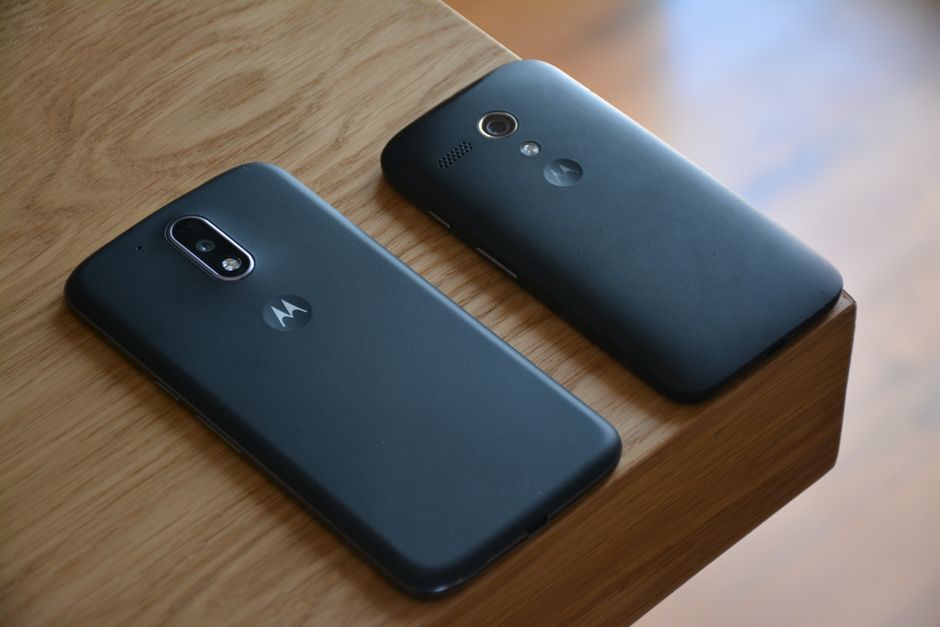
Photo: John (Giannis) Tekeridis — Pexels
Motorola Razr and Edge eSIM Support: The Complete Guide for Foldables and Flagships
Motorola has re-established itself as a serious player in the premium Android market, thanks to the iconic Razr foldable series and the flagship Edge lineup. As eSIM technology becomes the standard for modern connectivity, many Motorola users are eager to know: do Razr and Edge phones support eSIM? The answer is yes for most recent models, but there are important nuances. This guide covers everything you need to know about eSIM on Motorola Razr and Edge devices, from hardware requirements to carrier activation and real-world usage.
What Is eSIM and Why Does It Matter?
An eSIM (embedded SIM) is a digital SIM that allows you to activate a cellular plan without a physical nano-SIM card. Instead of a removable chip, eSIM uses an eUICC (embedded Universal Integrated Circuit Card) soldered directly onto the device's motherboard. This chip can store multiple carrier profiles and be reprogrammed remotely by your carrier.
For Motorola Razr and Edge users, eSIM offers several advantages:
- Dual SIM functionality: Use one physical SIM and one eSIM simultaneously, or two eSIMs on some models.
- Instant activation: Activate a plan by scanning a QR code or using a carrier app—no need to visit a store.
- Space savings: Removing the physical SIM tray helps manufacturers like Motorola design slimmer devices, especially important for foldables like the Razr.
- Travel convenience: Add a local data plan when abroad without swapping physical cards.
However, an eSIM requires both hardware support and carrier support. Your Motorola phone must have the eUICC chip, and your carrier must offer eSIM provisioning for your specific model. This guide will help you determine if your device and carrier are compatible.
Motorola Razr eSIM Support: Foldable Freedom
The Motorola Razr series has evolved from a nostalgic revival to a true flagship foldable. eSIM support varies by generation, so check your exact model.
Which Razr Models Support eSIM?
According to Motorola's official specifications and our authoritative device list, the following Razr models support eSIM:
- Motorola Razr 70
- Motorola Razr 70+
- Motorola Razr 70 Ultra
- Motorola Razr Fold
- Motorola Razr 2024
- Motorola Razr 60 Ultra
- Motorola Razr 60
- Motorola Razr 2025 and Razr 2026 (US)
- Motorola Razr Ultra 2025 and Razr Ultra 2026 (US)
- Motorola Razr+ 2026 (US)
- Motorola Razr+ 2024
- Motorola Razr+ (2023)
- Motorola Razr 50 Ultra
- Motorola Razr 50
- Motorola Razr 40 Ultra
- Motorola Razr 40
- Motorola Razr 5G
- Motorola Razr 2022
- Motorola Razr 2019
If you own one of these models, your device has the necessary eUICC hardware. However, carrier support is still required. For example, some carriers may only support eSIM on postpaid plans or may not offer eSIM for prepaid customers. Always verify with your carrier.
Older Razr models like the original Razr 2019 do support eSIM, but activation may be limited to select carriers. The Razr 5G and later models generally have broader eSIM compatibility.
Motorola Edge eSIM Support: Flagship Connectivity
The Motorola Edge series represents the company's mainstream flagship line, with models ranging from premium Ultra to budget-friendly Fusion. eSIM support is widespread across recent Edge devices.
Which Edge Models Support eSIM?
Based on our authoritative list, the following Motorola Edge models support eSIM:
- motorola signature
- Motorola Edge 70
- Motorola Edge 70 Pro
- Motorola Edge 70 Plus
- Motorola Edge 70 Fusion
- Motorola Edge 60
- Motorola Edge 60 Pro
- Motorola Edge 60 Fusion
- Motorola Edge 60 Neo
- Motorola Edge 50 Ultra
- Motorola Edge 50 Pro
- Motorola Edge 50
- Motorola Edge 50 Fusion
- Motorola Edge 50 Neo
- Motorola Edge 40
- Motorola Edge 40 Neo
- Motorola Edge (2023, 2024, 2025 and 2026, US)
- Motorola Edge+ (2023)
Note that the Motorola Edge+ (2023) and the Motorola Edge (2023 to 2026) are US models, while the Edge 40 to Edge 70 series are more common in Europe and Asia. The original Edge+ (2020) has a single nano-SIM slot and no eSIM. eSIM support is consistent across these models, but again, carrier support is the second half of the equation.
Other Motorola Devices with eSIM
Motorola has extended eSIM support beyond Razr and Edge to some mid-range and enterprise devices. The following models are also eSIM-capable:
- Motorola moto g34 5G, g35 5G, g54 5G, g55, g56, g57 / g57 power, g67, g77, g85, g86 / g86 power, g87
- Motorola moto g75 5G (Europe; not Australia)
- Motorola G84 (some versions only, e.g. Latin America and Three UK)
- Motorola moto g (2025, 2026), g play (2026), g power (2025, 2026), g stylus 5G (2024), g stylus (2025, 2026) (US models)
- Motorola moto g37j, g52j, g53j, g64 5G, g66j (Japan models)
- Motorola ThinkPhone, ThinkPhone 25
These devices offer eSIM as a convenience feature, often alongside a physical SIM slot.
How to Check if Your Motorola Phone Supports eSIM
If your model is not listed above, it likely does not support eSIM. But you can verify directly on your device:
- Open Settings.
- Go to Network & internet > Mobile network.
- Look for an option like Add carrier or Download SIM. If present, your device supports eSIM.
- Alternatively, dial
*#06#to display your device's EID (Embedded Identity Document). If an EID is shown, your phone has an eUICC chip and supports eSIM.
If you don't see these options, your Motorola device does not have eSIM hardware.
How to Activate eSIM on Motorola Razr and Edge
Activation steps are similar across Motorola devices, but may vary slightly by carrier and Android version. Here is the general process:
- Contact your carrier to ensure they support eSIM for your specific Motorola model and your plan type.
- Obtain a QR code from your carrier. This may be provided online, via email, or in-store.
- On your phone, go to Settings > Network & internet > Mobile network > Add carrier.
- Scan the QR code when prompted. Your phone will download the carrier profile.
- Follow any additional prompts to complete activation. You may need to restart your device.
- Once activated, you can manage eSIM profiles under Settings > Network & internet > SIMs.
Some carriers also support activation via their own app or through a simple SMS trigger. For example, if you're switching from a physical SIM, your carrier may send a notification to initiate the eSIM transfer.
Carrier Support: The Other Half of the Equation
Even if your Motorola Razr or Edge supports eSIM, your carrier must also support eSIM provisioning for that device. Support varies widely by country and carrier. Major carriers in the US, UK, Europe, and Asia increasingly support eSIM, but some prepaid brands or MVNOs may not.
When checking carrier support, ask:
- Does the carrier offer eSIM for my specific Motorola model?
- Is eSIM available on my plan type (postpaid, prepaid, business)?
- Can I have multiple eSIM profiles active?
- Are there any fees for activating or transferring an eSIM?
If your carrier doesn't support eSIM, you can still use a physical SIM. But if you want dual SIM functionality, you'll need at least one eSIM-compatible line.
eSIM on Foldables: Special Considerations for Razr
Foldable phones like the Motorola Razr present unique challenges for eSIM. Because the device folds, internal space is at a premium. eSIM helps by eliminating the need for a physical SIM tray, but it also means you can't easily swap SIMs when traveling. If you rely on local prepaid SIMs, you'll need to check if your destination carrier offers eSIM—many do, but not all.
Additionally, some Razr models may have dual eSIM support (two eSIM profiles active at once), while others may only support one eSIM plus one physical SIM. Check your model's specifications for details.
Dual SIM and eSIM: What to Expect
Most eSIM-capable Motorola phones support Dual SIM Dual Standby (DSDS), meaning you can have two numbers active—one physical SIM and one eSIM, or two eSIMs on some models. This is ideal for separating work and personal lines or using a local data plan while keeping your home number for calls.
However, not all carriers support DSDS with eSIM. For example, if your carrier only supports eSIM as a single line, you may not be able to use both a physical SIM and eSIM simultaneously. Always confirm with your carrier.
Transferring eSIM Between Motorola Devices
If you upgrade from one Motorola eSIM phone to another, you may be able to transfer your eSIM profile. The process depends on your carrier. Some carriers allow you to transfer via a QR code or through their app, while others require you to contact customer support. In some cases, you may need to request a new eSIM activation from your carrier.
Note that eSIM profiles are tied to the device's EID. You cannot simply move an eSIM from one phone to another without carrier involvement.
Common eSIM Issues on Motorola Devices
While eSIM is convenient, users occasionally encounter issues. Here are some common problems and solutions:
- QR code not scanning: Ensure the code is well-lit and not expired. Try entering the activation code manually if your carrier provides one.
- No service after activation: Restart your phone, check APN settings, or contact your carrier to confirm the eSIM profile is active.
- Carrier not supported: If your carrier doesn't support eSIM for your Motorola model, you may need to switch to a physical SIM or change carriers.
- Dual SIM not working: Verify that your carrier supports DSDS with eSIM and that both lines are provisioned correctly.
Conclusion: eSIM Is the Future for Motorola Flagships
Motorola has embraced eSIM across its Razr and Edge lines, making it easier than ever to activate and manage cellular plans. Whether you're using a foldable Razr 70 Ultra or a flagship Edge 70 Pro, you can enjoy the benefits of eSIM—provided your carrier supports it. Always check both device and carrier compatibility before planning your eSIM setup.
To quickly verify if your Motorola device supports eSIM, download the free eSIM Check Android app. It scans your device's EID and tells you instantly whether eSIM is available.
Frequently Asked Questions
Does the Motorola Razr 2024 support eSIM?expand_more
Can I use dual SIM with eSIM on Motorola Edge?expand_more
How do I activate eSIM on my Motorola Razr?expand_more
Is the Motorola Edge 40 Neo eSIM compatible?expand_more
Check your own phone in seconds
The free eSIM Check app reads your device's real hardware capabilities — no guesswork.
Get it on Google Play